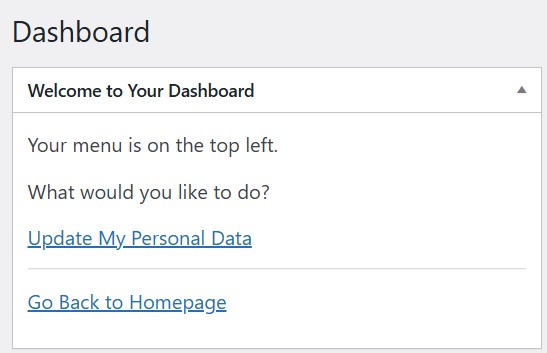
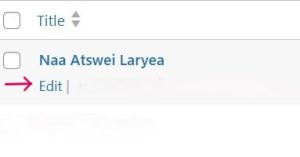
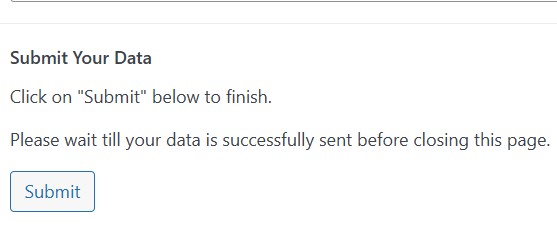
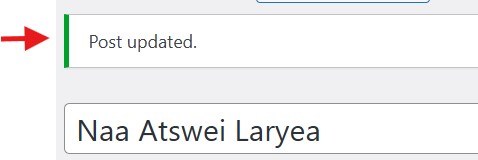
How to Update Your Record Please follow these steps: 1. Log inYou will log in with your username and password.Your username is your telephone number. 2. Click on Update My Personal DataAfter logging in, you’ll be taken to your dashboard.Click on the Update My Personal Data link. 3. Edit Your Personal DataThe Edit button is below your name.Click on it to open your record. 4. Review Your Personal DataPlease review your personal data.Make changes where needed. 5. Click on SubmitWhen you are done, simply click on the Submit button.Your details will be reviewed and published. 6. Post UpdatedAfter clicking on the Submit button, scroll to the top.You’ll see a notification that reads “Post Updated”. Are you are ready? Click here to update your record